A smart lock can make daily access easier, but the electronics are only part of the system. The door still needs to close squarely, the deadbolt must move without resistance, and the household needs a sensible plan for codes, batteries, phones, guests, and backup entry. Installing connected hardware on a binding door often creates frustration instead of convenience.
San Francisco homes range from newer condominiums to older houses with settled frames, narrow doors, decorative trim, gates, and mixed hardware. Start with the physical opening and building rules, then choose features. This guide focuses on durable decisions rather than a particular brand or model.
Key takeaways
- Confirm door measurements, alignment, and building permissions before buying a lock.
- Choose access methods based on the people who will actually use the door.
- Plan for battery alerts, outages, phone loss, and mechanical backup access.
- Keep account ownership and access-code management clear from the start.
Start with door and lock compatibility
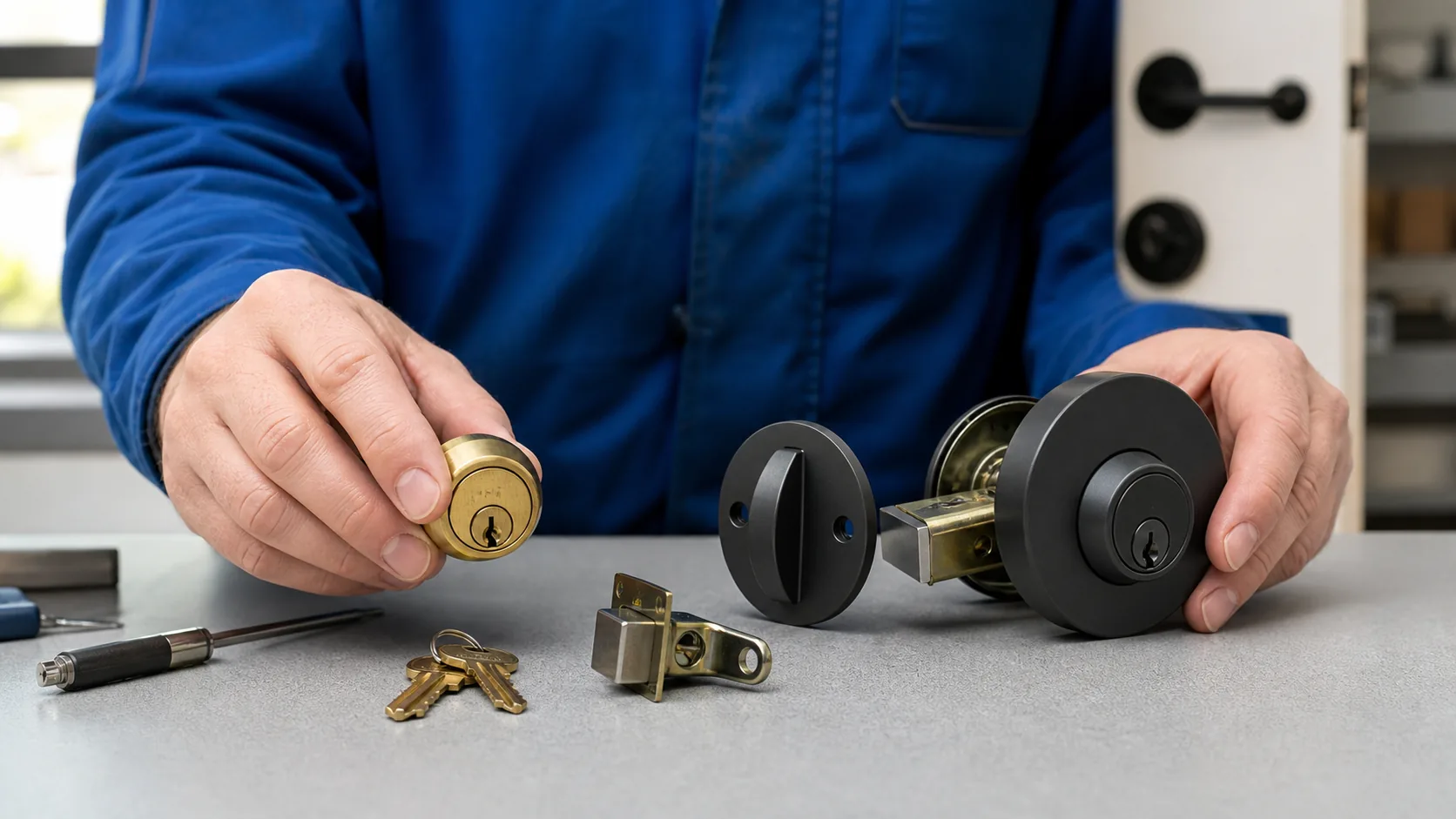
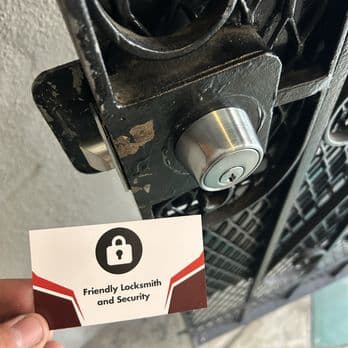
Identify whether the door has a separate deadbolt, an integrated handleset, a mortise lock, a narrow-stile lock, or another configuration. Measure door thickness, bore spacing, backset, and clearance around trim. A replacement designed for a common cylindrical deadbolt may not fit an older mortise preparation or a metal security gate without specialized hardware.
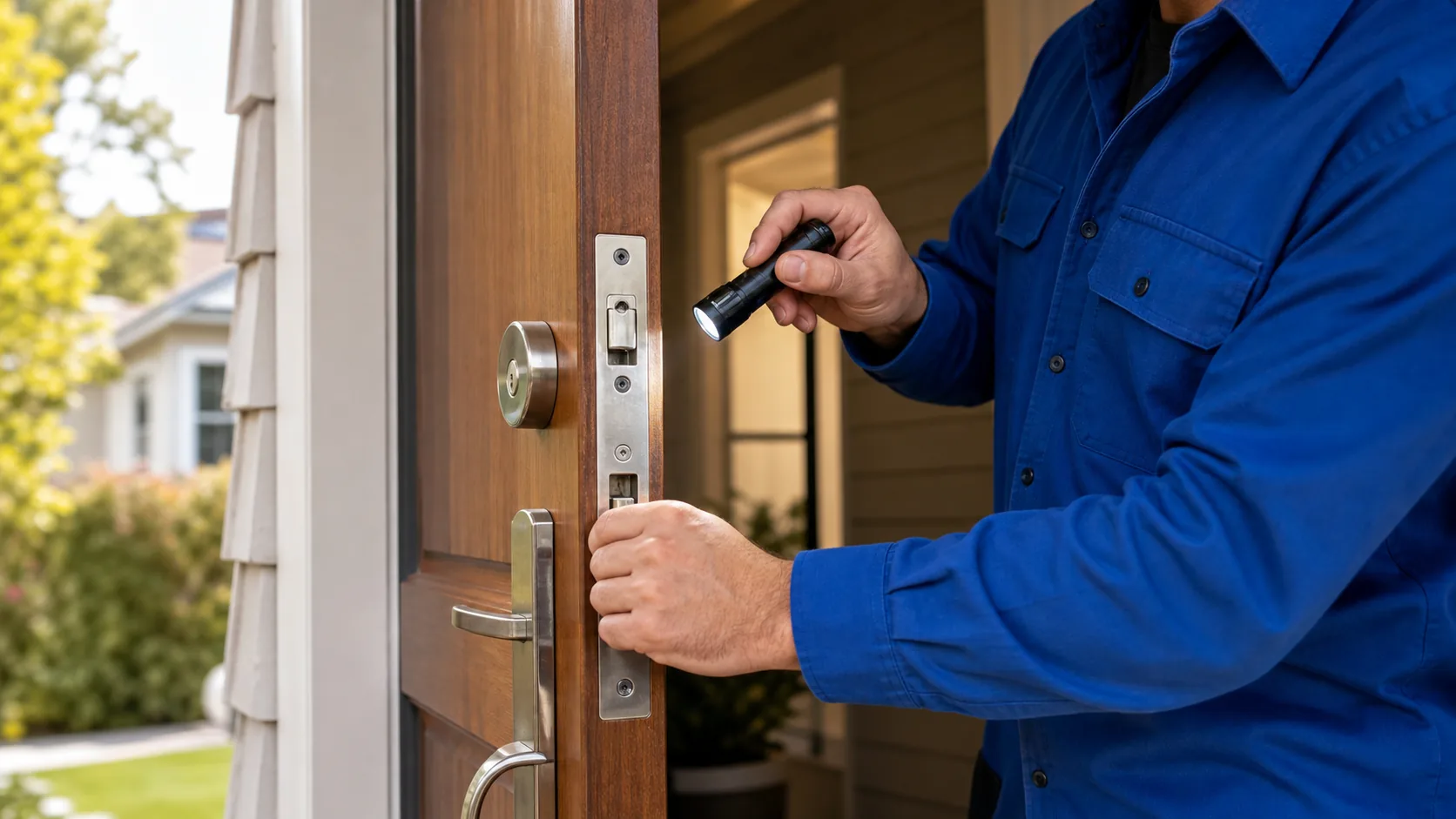
Test the existing deadbolt with the door open and closed. It should extend and retract without needing to push, pull, or lift the door. A motorized lock that must fight the frame will use more power and may report false jams. Correct hinge, strike, or alignment problems before expecting the smart mechanism to operate reliably.
Choose the access method your household needs
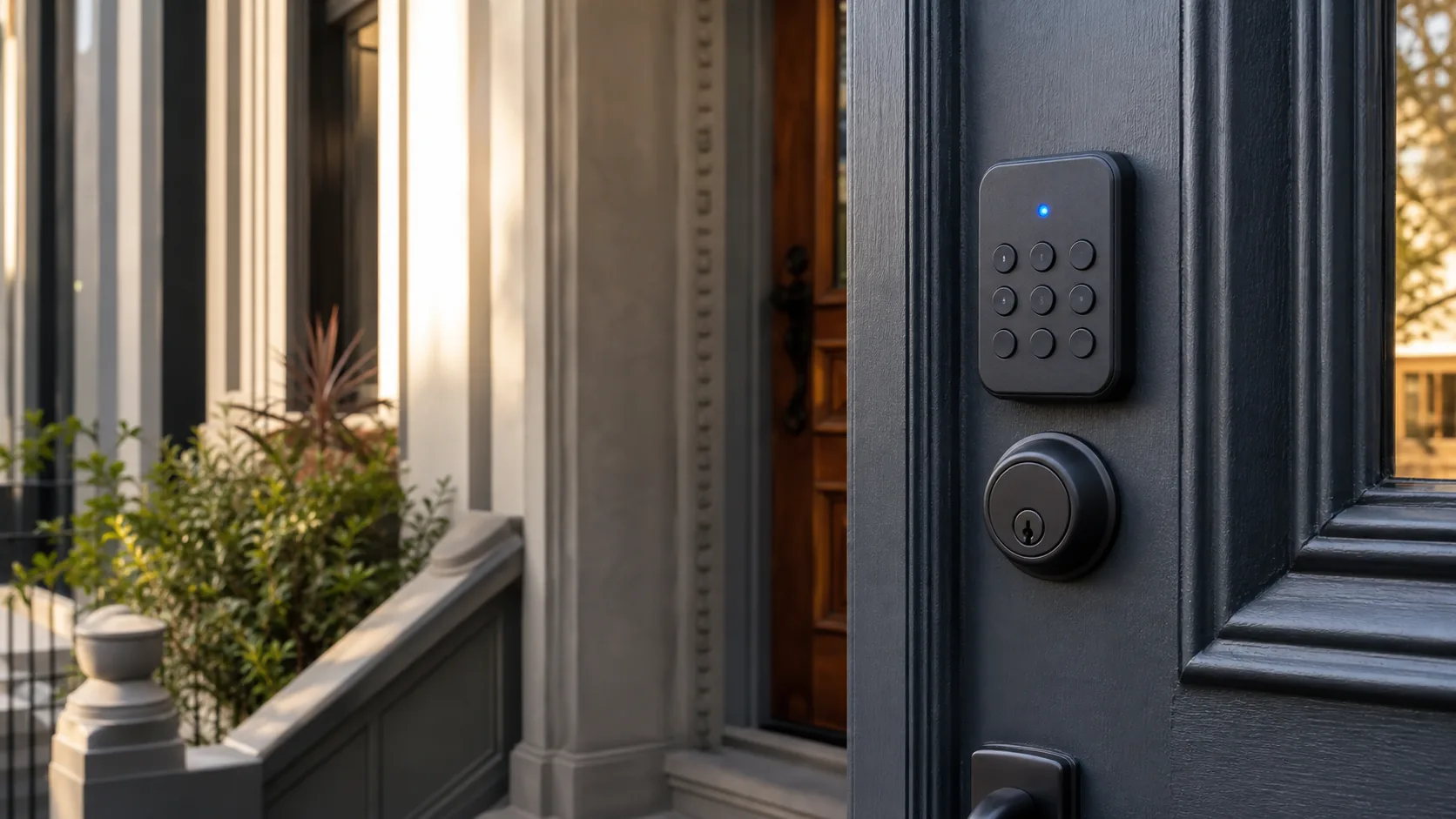
Keypads are useful when residents, cleaners, caregivers, or guests need entry without exchanging a physical key. App access can support remote management and activity history, depending on the product and setup. Fingerprint readers may be convenient for some users but should not be the only practical plan. Consider dexterity, vision, phone access, language, and comfort with technology.
Decide whether temporary or scheduled codes matter, how many users the lock supports, and who is responsible for removing old access. Avoid sharing one permanent code with everyone. Separate codes make changes easier when a vendor, guest, or roommate no longer needs entry. Keep sensitive code records in an appropriate password manager rather than in a note attached to the address.
Plan for power, connectivity, and backup entry
Most residential smart locks use replaceable batteries. Learn where low-battery alerts appear, what battery type is required, and whether the lock offers an external emergency-power option. Replace batteries before a long trip if the level is uncertain, and do not ignore repeated motor or jam alerts; they may indicate mechanical resistance rather than weak batteries alone.
Wi-Fi, Bluetooth, hubs, and home platforms affect remote features, but local locking and unlocking should be understood separately. Ask what continues working when the internet, cloud service, router, or phone is unavailable. If the model includes a mechanical key, store a controlled spare and consider rekeying the backup cylinder when old keys are unaccounted for.
Set account ownership and privacy expectations
Use an account controlled by the homeowner or appropriately authorized resident, not by an installer, former tenant, or temporary property contact. Turn on multi-factor authentication when the platform supports it, keep recovery information current, and review connected household members. Document how ownership will transfer when a property is sold or a tenancy ends.
Activity logs can be useful, but they also reveal household routines. Understand what the lock records, where that data is stored, who can view it, and how long it is retained. Rental and multi-unit settings may have rules or agreements about hardware changes and access systems. Confirm permissions with the owner, manager, or association before modifying a door; this is practical planning, not legal guidance.
Use an installation and handoff checklist
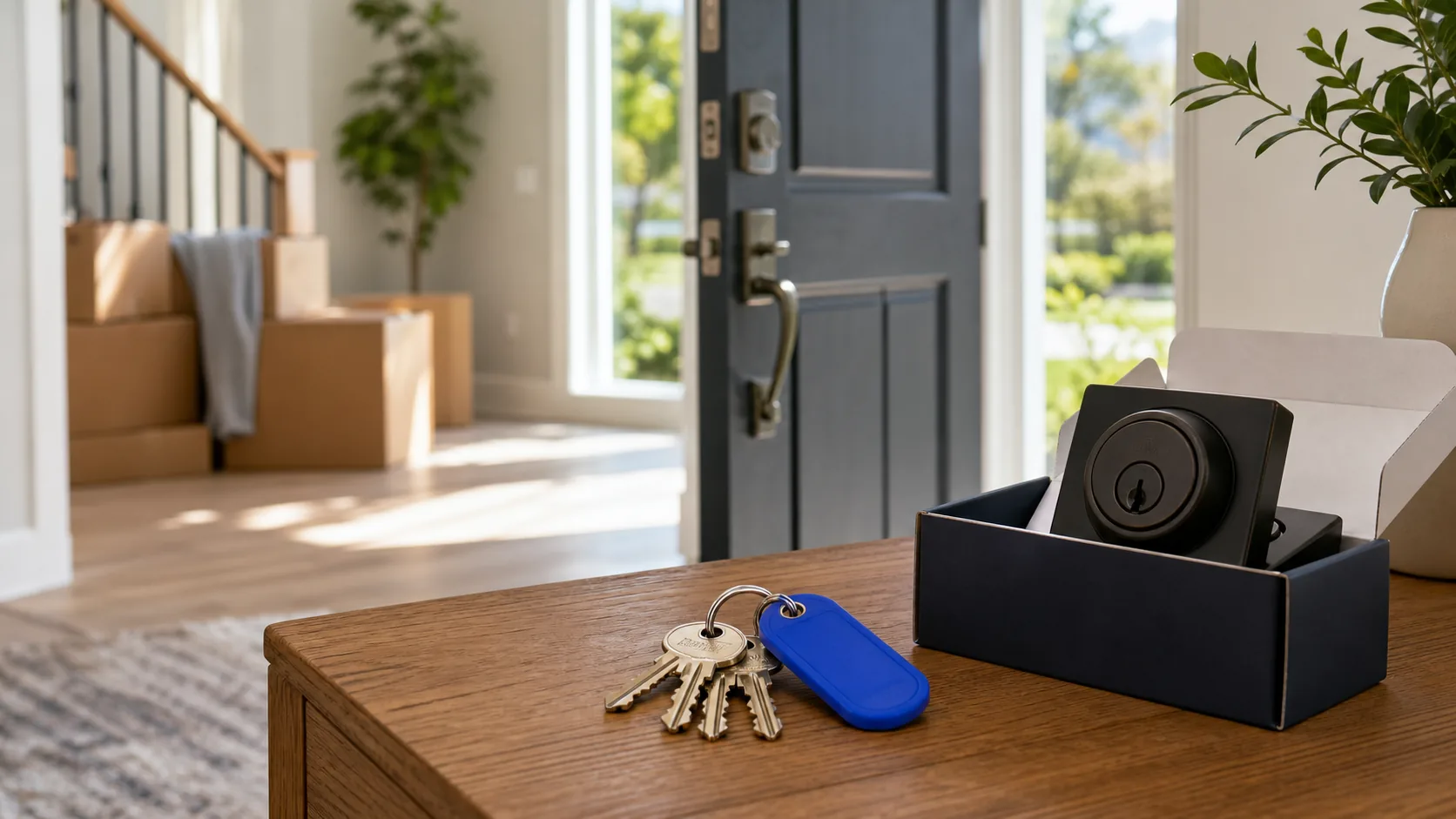
Before installation, verify the exact model, included parts, finish, door direction, and any required bridge or hub. Keep the original components together if they may be needed later. After mounting, the lock should sit flush, the thumb turn should move smoothly, and the bolt should operate repeatedly with the door both open and closed.
Complete setup while the authorized account owner is present. Add individual codes, remove factory or temporary credentials when instructed, test notifications, and practice the backup method. Make sure everyone knows how to lock the door from outside; models differ. Save the model number, battery type, instructions, and support details in a household record.
- Door and strike aligned before installation
- Owner account and recovery method confirmed
- Individual codes created and temporary access removed
- Low-battery and offline behavior tested
- Mechanical or emergency backup understood
Maintain the mechanical and digital sides
Check the door seasonally for rubbing, loose fasteners, or a bolt that no longer enters the strike cleanly. Replace batteries according to the device guidance and household usage rather than waiting for complete failure. Install firmware updates from the official app, review user access, and remove codes that are no longer needed.
A smart lock does not replace broader door security. The door, frame, strike, hinges, nearby glass, key control, and household habits still matter. If the lock becomes noisy, inconsistent, or physically difficult to turn, address the mechanical symptom before resetting accounts repeatedly or assuming the electronics are defective.
Frequently asked questions
Can a smart lock fit any front door?
No. Compatibility depends on the existing lock preparation, measurements, door material, trim clearance, and alignment. Mortise locks, narrow-stile doors, gates, and some integrated handlesets may need different hardware or a different plan.
What happens when a smart-lock battery dies?
The answer depends on the model. Some retain a mechanical key, while others offer an external emergency-power contact or another documented method. Learn and test the manufacturer's backup process before you need it.
Should a renter install a smart lock?
First confirm the property owner's or manager's rules and any building-access requirements. Choose a setup that preserves authorized entry and has a clear ownership and removal plan at move-out.
Helpful next steps
Use these pages to compare services or request help for your specific door, lock, or key.